

Overview
Embedding Atlas is a tool that provides interactive visualizations for large embeddings and their metadata. You can visualize, cross-filter, and search across your data.
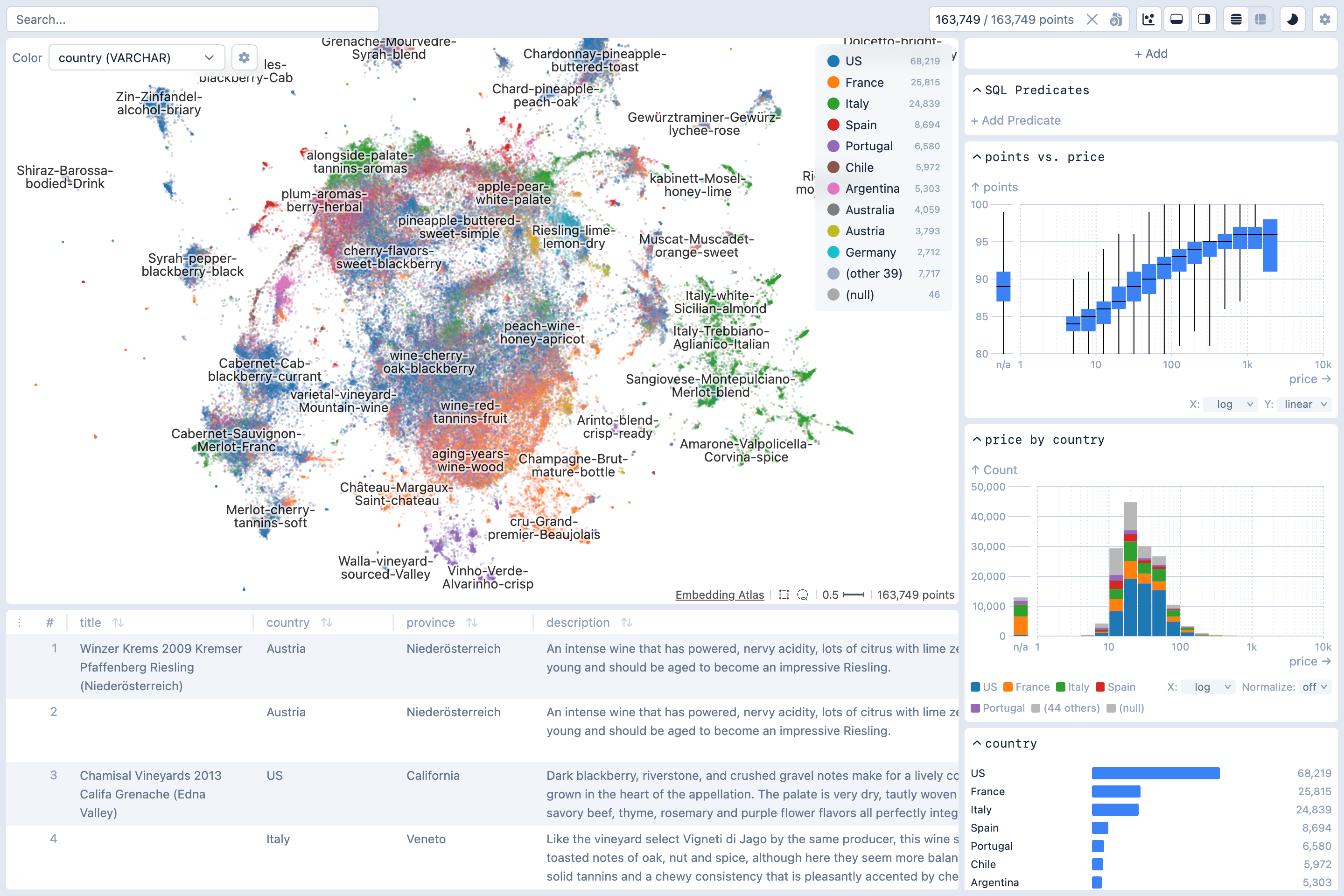
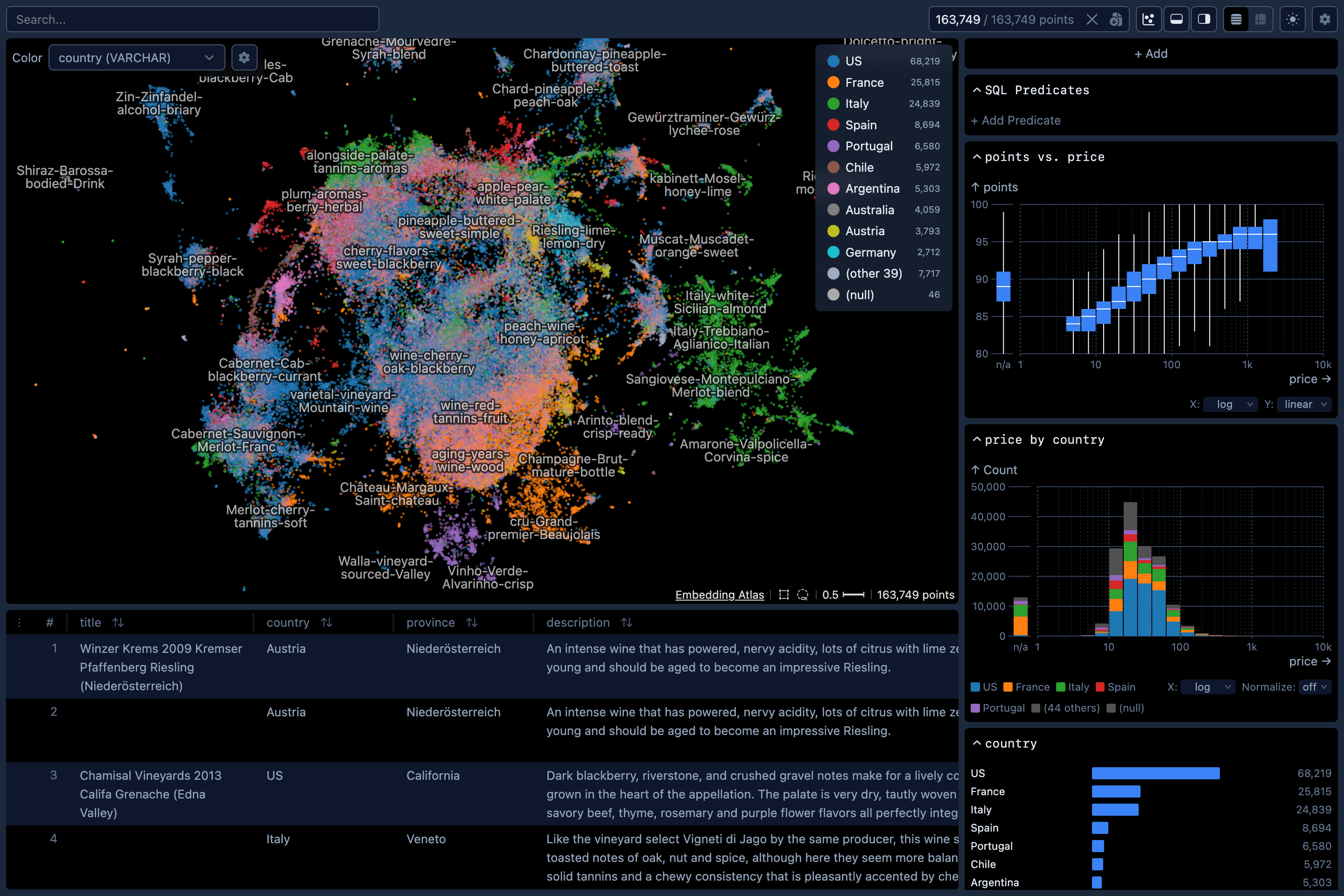
While embeddings are the focus, Embedding Atlas also works as a dashboard for tabular data. If your dataset has no embedding column, the embedding view is hidden, but linked charts, full-text search, and the instances view still work. Supported column types include text, image, audio, numeric, categorical, and time.
What you can do
- Explore embeddings. Visualize 2D projections of millions of points, browse automatic clusters and labels, find nearest neighbors, and cross-filter against metadata.
- Build dashboards. Standard charts (bar, line, bubble, count plot, eCDF) plus a composable chart spec for building custom charts. Configure cross-filtering between any of them. Works with or without an embedding column.
- Drive analysis with AI agents. The command line tool includes an MCP server. Agents can query the schema, run SQL, create and modify charts, and capture screenshots.
- Work with multimodal data. Text, image, and audio columns are rendered with appropriate viewers; time columns get time-aware charts.
See Examples for live demos with embedding and tabular datasets.
TIP
You can use Embedding Atlas directly from this website by loading your own data. In this online version, Embedding Atlas will compute the embedding and projection in your browser. Your data does not leave your machine.
Packages
Embedding Atlas is released as two packages:
A Python package
embedding-atlasthat provides:- A command-line tool for launching Embedding Atlas from the command line.
- A Python Notebook widget for using Embedding Atlas in interactive Python notebooks.
- A Streamlit component for using Embedding Atlas in Streamlit apps.
- All of these approaches allow you to compute embeddings (with custom models) and projections.
An npm package
embedding-atlasthat exposes the user interface components as APIs so you can use them in your own applications. Below are the exposed components: